
Refurbished Lexmark Copiers: Inspection Checklist Before Buying
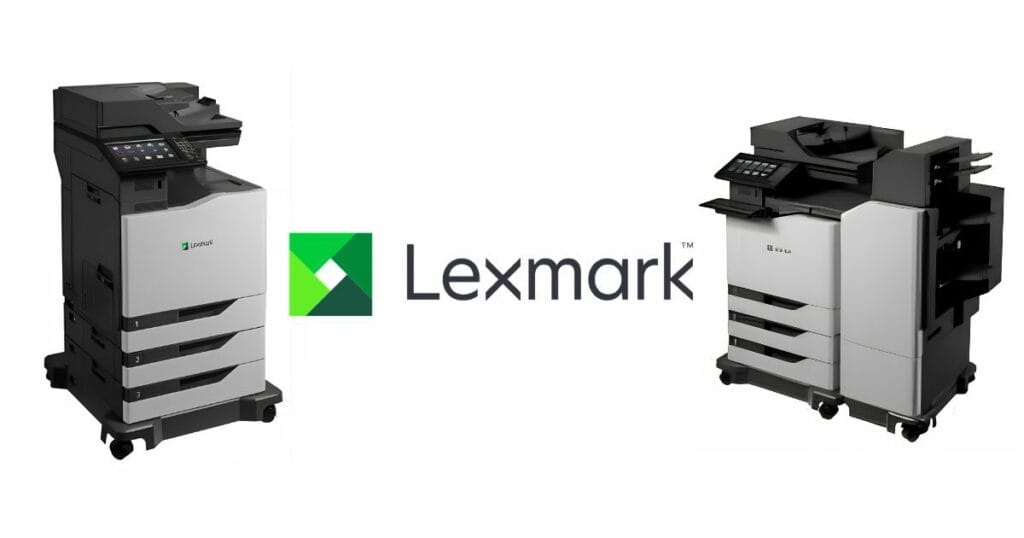
The appeal of a refurbished Lexmark copier usually starts with its lower purchase price, but the amount on the invoice is only the starting point.
Previous maintenance, remaining component life, print and scan quality, compatibility with your systems, and service support can all influence how much the copier costs to own after it enters your office.
An inspection can tell you whether a refurbished copier offers excellent value for your business before you commit to the purchase. A lower page count means little on its own if the machine has not been properly maintained.
The aim is to confirm that the exact model matches the office workload, has a documented service record, produces consistent output, and has practical support.
What to check first
Before purchasing, confirm the model and serial number, total page count, service record, print and copy quality, scan, and paper feed functions, maintenance-part condition, network and firmware compatibility, and written warranty terms.
One figure alone should never decide whether a refurbished copier is suitable for the business.
Refurbished Lexmark copier inspection checklist
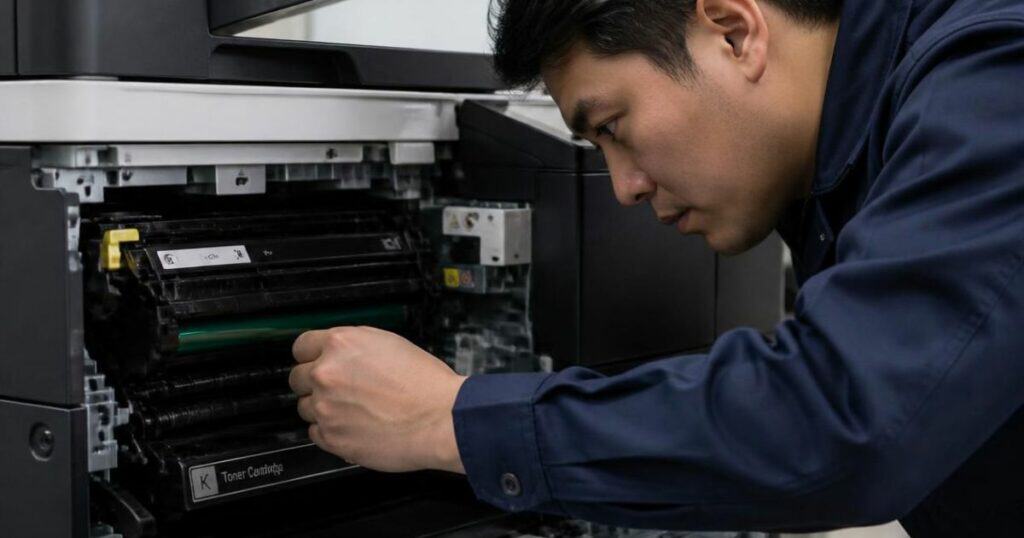
Ask for proof where it is available. A device report, service record, live test, or written warranty gives a buyer more confidence than a verbal assurance about condition.
| Inspection point | What to check | Evidence to request | Red flag or decision |
| Model and serial number | Exact model, serial number, fitted trays, and output options | Device label, configuration page, and sales quote | Details differ across the machine, report, or quote |
| Total page count | Lifetime mono and colour totals where the model provides both | Device statistics or device information report | Seller cannot provide a device-generated count |
| Service record | Past repairs, maintenance parts, repeat faults, and service dates | Service invoices or technician history | Repeated faults with no credible repair record |
| Print and copy output | Text, grey areas, colour, alignment, and repeat marks | Fresh test pages from the copier | Streaks, faint output, horizontal bands, skew, or repeated defects |
| Paper path and duplex | Trays, feed rollers, duplex path, and jam frequency | Multi-page test from each required tray | Repeat jams, misfeeds, or damaged paper |
| Scan, ADF, and output options | Platen scan, ADF feed, duplex scan, and fitted output options | Multi-page scan plus live function test | Missed pages, skew, feed faults, or failed options |
| Parts and consumables | Toner status, maintenance counters, visible wear, and parts due soon | Device status page plus service assessment | Major part cost is due soon and absent from price |
| Network and firmware | Ethernet or Wi-Fi needs, driver support, firmware level, and security fit | Device information plus compatibility check | Required office system cannot connect or print reliably |
Treat the checklist as one decision, not eight separate pass marks. A high page count can be acceptable where service history is credible, and the model matches the workload.
A lower count does not cancel poor output, uncertain support, or expensive maintenance work due soon. Give near-term repair cost equal weight to cosmetic condition and test results.
How to test a refurbished Lexmark copier before purchase
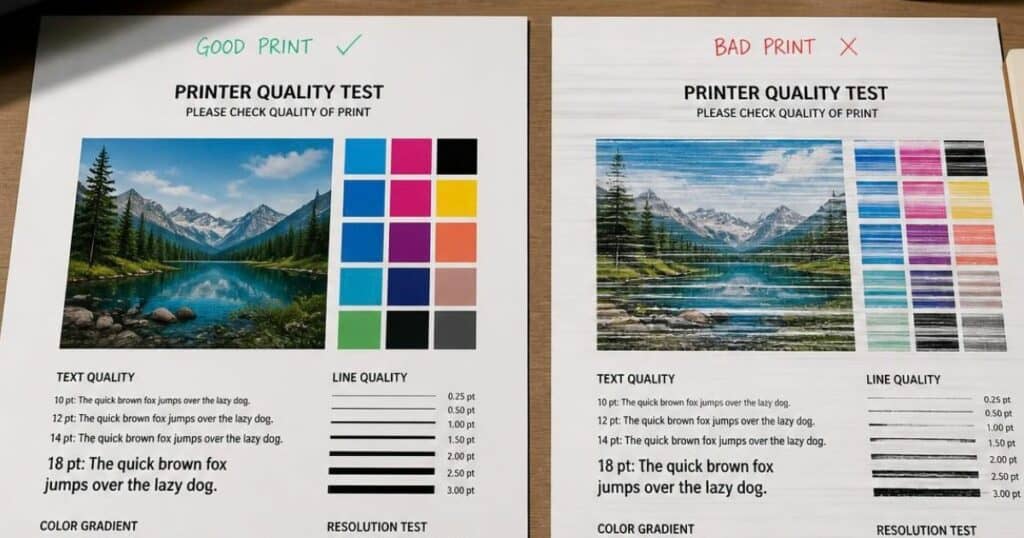
A live test should reflect normal office tasks. One successful page proves truly little about paper feed, duplex, scan, or network performance.
- Check the copier when turning on the power. Check how the copier performs from the moment it is switched on. It should reach its ready status without displaying an error, and the control panel should respond to commands. Paper trays, doors, hinges, and exterior panels should open and close properly, while repeated mechanical sounds could indicate a fault that may affect reliability.
- Print a multi-page test set. Print text, blocks of grey, and colour content on several pages. Test duplex print and each tray required by the office. Check alignment, density, consistency, paper feed, and repeated marks across the set.
- Copy from both document paths. Copy one page from the platen, then copy a multi-page document through the automatic document feeder. Check page order, skew, missed pages, feed errors, image position, and output consistency from the first page to the last.
- Test scan and office connection. Confirm scan quality, file delivery, network connection, and driver support for the office systems that will connect to the copier. A device that prints locally but fails within the normal office workflow creates an avoidable support problem.
- Check configuration and firmware. Record the firmware level and compare it with current support for the exact model. Confirm fitted trays, memory, output options, and network features against the quote, then note any difference before the purchase decision.
Finish with a sample office job that combines print, duplex, copy, and scan tasks. The result should reflect the workload the copier will face after installation, not a showroom demonstration with one sheet.
How to judge page count and service history
Total page count gives context, but it is not a universal condition score. Ask for a device-generated total and compare it with the exact model, age, expected monthly workload, and service history.
A verbal estimate cannot provide the same level of evidence as information from the copier itself. Page totals also need context from service dates because equal totals can hide vastly different maintenance histories.
A page count that looks high on one copier may be quite reasonable on another. Lexmark recommends 3,000 to 30,000 pages per month for the XC8155 and 5,000 to 50,000 for the XC8160
The model and its intended workload therefore need to form part of the assessment when you compare refurbished copiers.
Service history shows what the page count cannot. Look for repeat faults, major maintenance work, parts due soon, and long gaps between service visits. Combine total pages, service records, current part status, and firmware level before any judgement on future reliability or operational cost.
Check the actual cost, warranty, and support
The purchase price is only one cost. Delivery, installation, configuration, toner, maintenance parts, and near-term service can change the value of a refurbished copier. Ask which items form part of the quoted amount and record each item on the quote before approval.
Check the exact equipment on the quote as well. Extra trays, document feeders, output accessories, network options, and supplied consumables can affect whether the copier fits the office requirement.
A low price is much less appealing if essential hardware or service has to be paid for after delivery.
Written warranty terms should state the period, covered parts, labour or service terms, exclusions, and support route. Ask who handles a fault after delivery and confirm the response before approval.
Copiers Africa also provides month-to-month copier rental options with service and support, which gives a business another route where flexible costs and service cover are a higher priority than ownership.
Red flags when you inspect a refurbished Lexmark copier
Pause the purchase when evidence, condition, compatibility, or support leaves an important question unresolved.
- Model or serial details do not match the quote, report, or device label.
- A device-generated page count or credible service record cannot be provided before purchasing.
- Repeated jams, streaks, faint output, fault codes, or mechanical noise appear under normal tests.
- Major maintenance work appears close, but the quoted price ignores the expected cost.
- Required drivers, network functions, or office workflow compatibility cannot be confirmed on site.
- Warranty scope, service responsibility, or post-sale support terms are vague or only verbal.
One red flag does not always end a deal. It should trigger proof, a revised quote, a repair before delivery, or a decision to choose another copier.
Frequently asked questions
Four final questions can resolve common purchase concerns before a business commits to a refurbished Lexmark copier.
Is a high page count always a bad sign?
A high page count is not an automatic rejection. Compare the count with the exact Lexmark model, its recommended monthly volume, machine age, service history, and current part status. A well-serviced higher-count unit can present less risk than a lower-count unit with poor maintenance.
What should a refurbished Lexmark copier warranty cover?
Warranty terms differ between suppliers and machines. Ask for written detail on the warranty period, covered parts, labour or service, exclusions, response process, and any condition that can affect cover. Verbal promises have little value once a fault occurs, and the copier affects office productivity.
Can I test a refurbished copier before purchasing?
A live functional test is a sensible part of due diligence where practical. Test print quality, duplex, paper feed, copy, scan, ADF performance, and the connection method required by the office. If a live test is unavailable, ask for documented test evidence before approval.
Should I buy or rent a refurbished Lexmark copier?
Purchase can be suitable where the business prefers ownership and can budget for future service and parts. Rentals can be suitable where predictable monthly cost, service cover, and flexibility have greater value. The right route depends on print volume, budget structure, support expectations, and replacement plans. See our leasing vs buying comparison for a fuller breakdown.
Choose a refurbished Lexmark copier with confidence
A responsible purchase decision follows a practical order: verify the device details, check page count and service history, test the functions that affect daily work, assess near-term maintenance cost, confirm compatibility, and obtain written warranty and support terms.
The process gives the business a practical view of reliability, productivity, and total cost before commitment. It also protects the budget from avoidable surprises.
Speak to Copiers Africa about refurbished Lexmark copiers, flexible rentals, and nationwide support matched to your print volume, office workflow, budget, and service requirements.